Snagit is a full desktop capture suite with scrolling capture, a rich editor, and video recording. Page to Image is a lighter browser extension built for webpages. If most of what you capture lives in a browser tab, compare the two before choosing.
Full webpage, visible area, or selected area inside the browser
Screen, window, region, and scrolling capture of windows and webpages
Editing
Crop, text, arrows, shapes, drawing, blur, and erase
Arrows, callouts, text, and extensive markup tools
Video
Not included
Screen, audio, and webcam recording
Platforms
Chrome, Edge, and Firefox extension
Desktop app for Windows and macOS
Sharing
Local files and clipboard; nothing is uploaded
Local files plus optional hosting on TechSmith Screencast
Price model
9 free captures, then annual or lifetime access
Paid; see TechSmith for current plans
Vendor information checked October 14, 2026. Features and offers can change. See the official vendor sources below for current details.
When Page to Image fits
Choose Page to Image when you mostly capture webpages and want the shortest path from page to finished file: one click to capture the whole page, a built-in editor for crops, arrows, notes, and blur, and PNG, JPEG, or PDF export. There is nothing to install outside the browser, and captures stay on your device.
When Snagit fits
Snagit is worth considering if you also capture desktop apps, record videos, build step-by-step guides, or rely on its larger library of callouts, stamps, and templates. TechSmith describes scrolling capture of long windows and webpages, a markup editor, and cloud hosting through Screencast.
Compare on the pages you capture most
Try both on a long documentation page, a web app with an inner scrolling panel, and a page with a sticky header. Compare how complete the capture is, how long it takes, and how many steps it takes to get a shareable file.
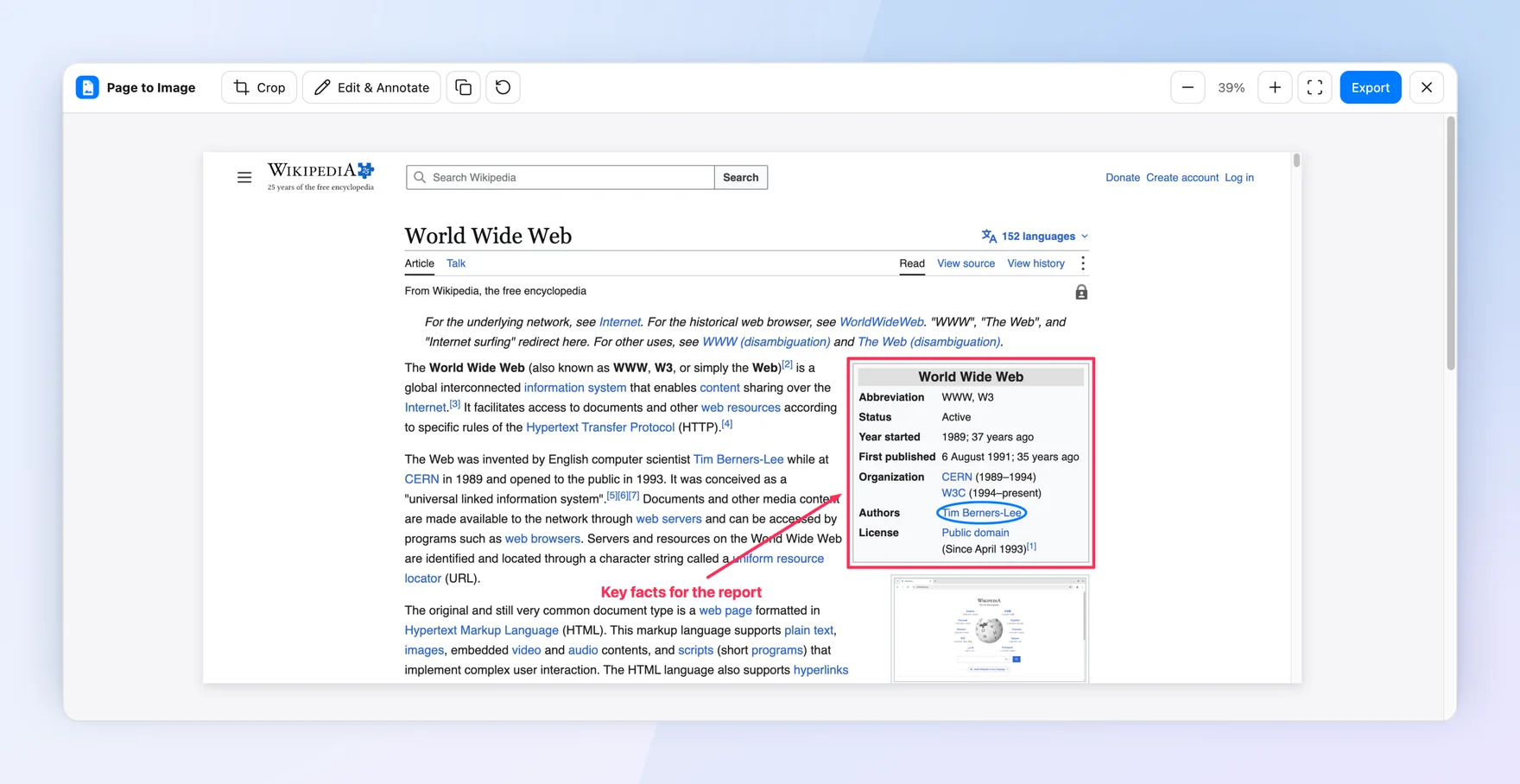
The Wikipedia article “World Wide Web” (CC BY-SA), captured and annotated in Capture review.
Common questions
Is Page to Image a full Snagit replacement?
For webpages, it covers capture, annotation, and export. It does not record video or capture desktop apps, so keep a desktop tool if you need those.
Can Page to Image capture scrolling webpages?
Yes. Full page mode scrolls through the page, including content inside scrolling panels, and keeps the captured resolution.
Does Page to Image offer a one-time purchase?
Yes. Lifetime access is a one-time purchase, and annual access is also available. See the pricing page for details.